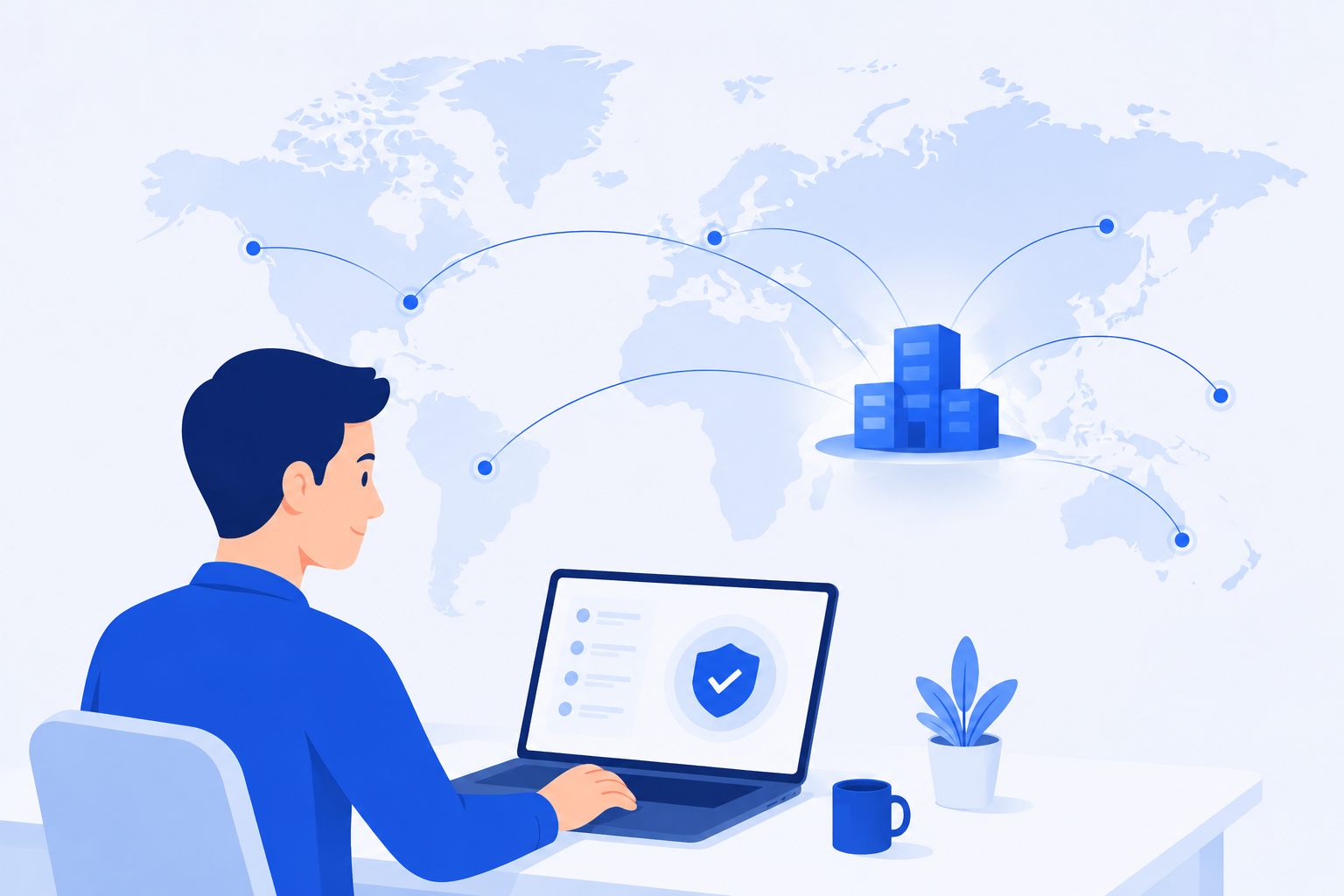
ZeoLink Enterprise Access Acceleration & Overseas Return Accelerator

A global enterprise access optimization SaaS service built on Cloud WAN, intelligent routing, cross-border acceleration, and zero-trust security architecture. With a per-user/year subscription model, it provides enterprises with global access acceleration, SaaS optimization, secure remote work, multi-site connectivity, and global collaboration acceleration capabilities.

Get Started

Free forever for users who register now

0
Enterprise Users
0
% Availability
Global Enterprise Access Acceleration

Overseas Return Scenario

A return accelerator software that helps overseas Chinese users access China's network at high speed. It provides multiple high-speed relay nodes and network routes, optimizes the network environment, improves access speed to domestic resources, reduces latency and buffering, and solves playback issues of music and video apps caused by geographical restrictions.

  • Multiple high-speed relay nodes and network routes
  • Significantly improve access speed to domestic resources
  • Reduce cross-border network latency and buffering
  • Resolve media playback issues caused by geographical restrictions
Learn More About Return Acceleration
Return Acceleration Scenario

Core Features

Access optimization and collaboration acceleration for global enterprises

Zero Trust Security

• TLS 1.3 encrypted transmission
• Two-factor authentication
• Access control and audit
• Real-time threat detection

Cross-border & Cloud WAN Acceleration

• Cloud WAN global connectivity
• Multi-route intelligent routing and failover
• SaaS optimization and QoS traffic management
• Low-latency high-bandwidth cross-border acceleration

Flexible Management

• Visual control panel
• User self-service
• Real-time monitoring and alerts
• API integration support

Multi-platform Support

• Windows / macOS / Linux
• iOS / Android mobile
• Command-line tools and browser extensions

Intelligent Monitoring

• Real-time traffic statistics
• Quota warning reminders
• Connection quality analysis
• Usage report generation

Enterprise Integration

• LDAP/AD directory integration
• SAML/SSO single sign-on
• Multi-tenant architecture
• API automation integration

Quick Start

Enable global access acceleration in just three steps

1

Login to Your Account

Log in to the system using your enterprise-assigned credentials, or through enterprise SSO single sign-on. Administrators can create accounts for you in the backend and assign appropriate permissions and quotas.

Login Now
2

Choose Acceleration Plan

After logging in, enter the control panel and select a global access acceleration plan that suits your business, supporting multi-node intelligent routing, cross-border acceleration, and zero-trust security policy configuration.

View Acceleration Options
3

Enable Access Acceleration

Use the client or lightweight proxy to enable global access optimization and collaboration acceleration, supporting automatic reconnection, traffic statistics, multi-route switching, and more.

Get Client

Frequently Asked Questions

Common questions and scenario explanations

ZeoLink provides high-speed return-to-China access for overseas Chinese users, offering multiple high-speed relay nodes and network routes. It optimizes the network environment to improve access speed to domestic resources, reducing latency and buffering. It also helps overcome regional restrictions, allowing smoother access to music, video, and other content, providing a better network experience for cross-border study, work, and daily life.

For enterprise users, please contact your department administrator or IT support team.

System Issue Feedback Email: connect@zeotrue.com

Working Hours: 9:00 AM – 6:00 PM (Monday to Friday)

After logging in, go to the “Dashboard” in the control panel. You can view real-time data usage statistics and historical records. You can also set up data usage alerts, and the system will automatically notify you when your usage reaches the specified threshold.

  1. Try switching to different acceleration nodes.

  2. Check your local network connection.

  3. Contact your administrator to verify the acceleration service status.

  4. Confirm whether your network quota (including cross-border bandwidth) is sufficient.

  5. Check whether your client is updated to the latest version.

On the login page, click “Forgot Password” and follow the on-screen instructions to enter your corporate email address. The system will send you a password reset link. If you need assistance, please contact your administrator or IT support team.

Supports Windows 7/8/10/11, macOS 10.12 and later, mainstream Linux distributions (such as Ubuntu, CentOS, and Debian), as well as mobile devices running iOS 12+ and Android 8+.

Please contact your enterprise administrator or sales consultant. The administrator will create an account for you in the system and assign the appropriate permissions and quotas. Enterprise users typically need to go through an internal approval process.

Latest News

Follow global network acceleration trends and explore ZeoLink technology evolution